
Is Kajabi Worth It for Coaches? My Honest Review.
Oct 14, 2026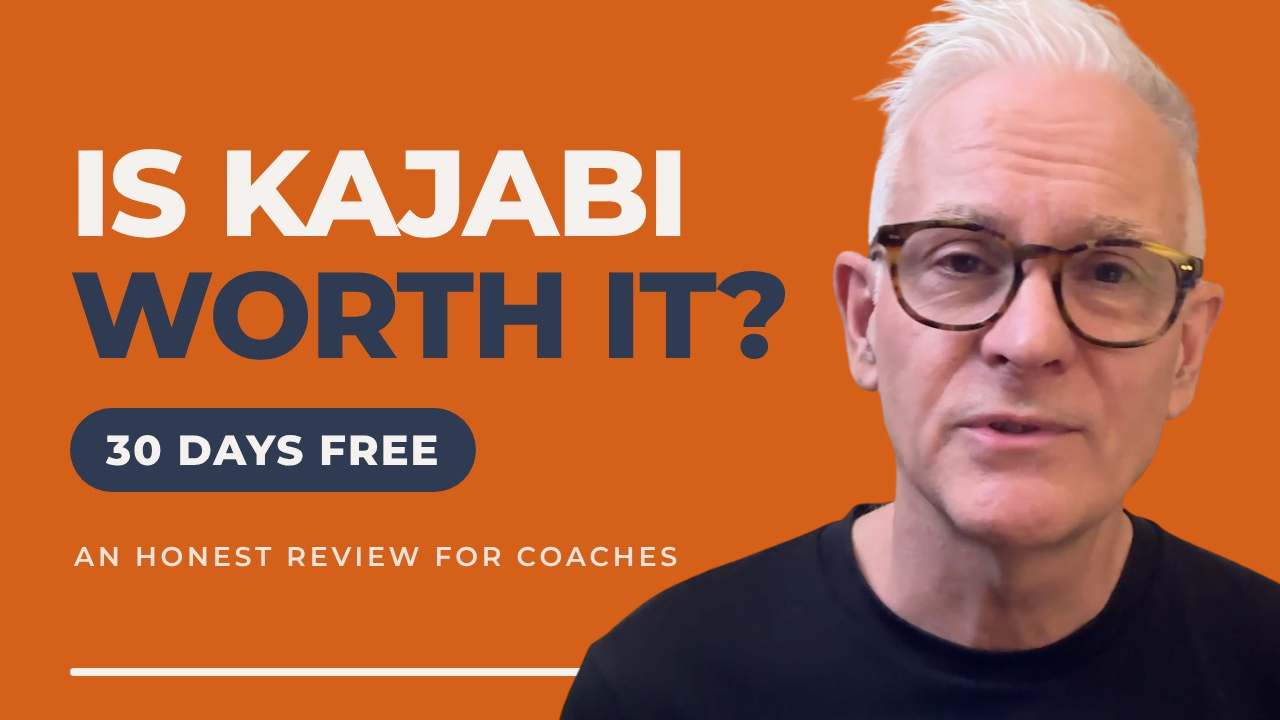
Most coaches sign up for a platform to run their business on. They log in, look at the dashboard, feel overwhelmed, and never log back in again.
I know, because I’ve done that too.
So in this week’s video, I explain what I’d do with the first 30 days of a Kajabi free trial if I were starting my coaching business again today. Here’s the written version.
Quick disclosure: I’m a Kajabi partner, which means I earn a small commission if you sign up for the free trial through my link. I also run my business on Kajabi, and have done for over a decade, which is why I’m writing about it. If you decide it isn’t right for you, that’s a perfectly good outcome.
Is Kajabi worth it?
The honest answer is: it depends.
Kajabi isn’t the cheapest platform out there, but it’s worth it if you plan to use it. A platform won’t build your business for you. That’s your job. What it does is help you run that business and give your clients a professional place to interact with your services and coaching programmes.
Try it free, with four bonuses from me
If you’d like to try it, you get a full 30-day free trial through my link. When you start your trial this way, I’ll also add four bonuses, just to say thank you:
- A programme on building and launching your first digital product, which is ideal for getting the most out of your trial.
- A personal check-in from me after 30 days, to see how you’re doing.
- A Loom review of a page you create, with feedback, within 60 days.
- An on-demand masterclass.
Start your 30-day free trial and claim the 4 bonuses
What I’d do in the first 30 days
Five things, in this order.
1. Build one offer page, not a whole website.
Pick the single most important thing you want to sell or offer right now, and build one page for it. One page, one clear promise. Don’t spend 30 days deciding on the menu, the colours, and the font. You can do that later. The point is to test the platform with something real and see if it suits you and your business.
2. Connect your email and write one welcome email.
Connect Kajabi to whichever email service you use, then write a single welcome email. When someone joins your list, they should hear from you straight away, in your own voice, just to say hello and thanks for connecting.
3. Add a free lead magnet with a sign-up form.
Keep it small, useful, and quick to enjoy. It should help your ideal client get a quick win straight away. Mine is a free camera confidence self-assessment. Before that I used a 20-minute video on five unusual ways to begin a presentation. It doesn’t have to be fancy. It does have to be useful.
4. Record one short video inside the platform.
It could be a welcome video or a video blog post. This is where most people stall, and not because of the software. It’s because of the camera: how they show up, how they look, what they say, and how they sound saying it. So remind yourself of this phrase: it doesn’t have to be good, it just has to be good enough.
5. Book a review with yourself for the end of week one.
Put it in your diary now, and use the time to do three things. Review what you’ve built (a one-page site is plenty for now). Fix one thing you’ve noticed, just one. Then move on, so you can step back from the detail and see what you’ve actually achieved. A pat on the back is allowed.
The part that matters more than the platform
When I work with clients, I suggest a two-step approach: inner game first, outer game second.
The inner game is what you do before you record. Decide who you’re going to be on camera for that video: calm, upbeat, whimsical, light, serious, whatever suits you.
The outer game is the practical side: your background, lighting, microphone, where you sit. Then rehearse what you’ll say a couple of times so you get the feel of it and how you say it best.
Getting used to a new platform is the easy part. Showing up as the coach and expert you actually are, on camera, is usually where the work begins. The good news is that it’s something you can learn and practise.
Not ready for a new platform yet?
That’s fine. Start with my Free Camera Confidence Self-Assessment, which shows you where you are now and what to work on first: https://www.mikeblissett.com/camera-confidence
Over to you
Tell me in the comments (on the video or here) where you are with your business, and which platform you’re using or thinking of using. If something is getting in the way, let me know and I’ll do what I can to help.
Mike
You know your stuff. But something happens when the camera comes on.
Find out what is really getting in the way. Take the free Camera Confidence Self-Assessment to spot the specific pattern that makes you freeze, overthink, or lose your natural voice on video.
